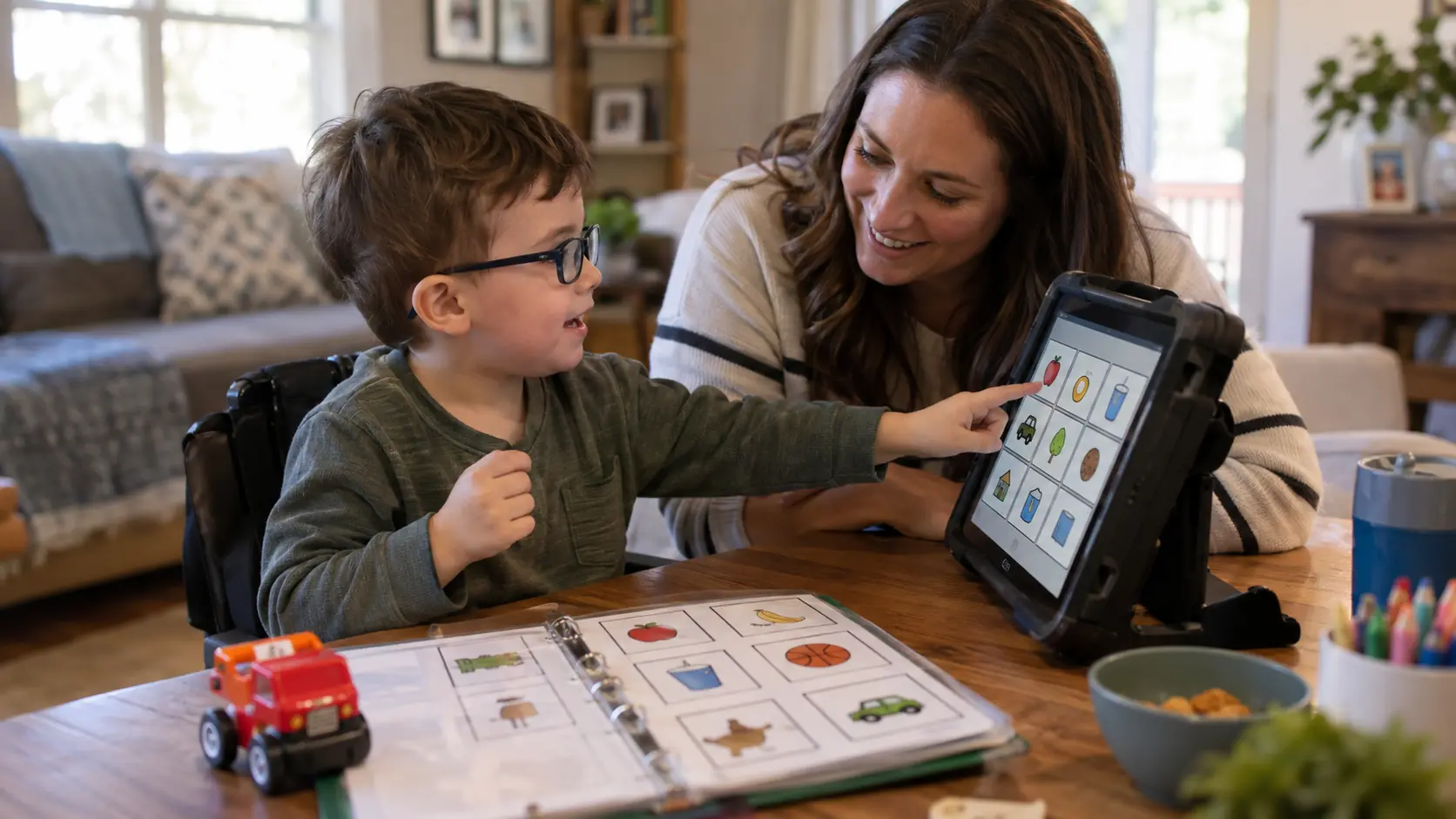
Choosing an AAC system can feel overwhelming when families are comparing apps, picture boards, and speech-generating devices at the same time.
AAC stands for augmentative and alternative communication. It includes gestures and signs, printed boards, communication books, apps, and speech-generating devices.
The best option is not necessarily the newest or most advanced. It should be a system the child can access reliably, use for a wide range of communication, and carry across everyday settings with consistent support from communication partners.
What Is AAC?
AAC (augmentative and alternative communication) includes methods and tools that support or provide an alternative to spoken speech.
- Unaided AAC: Gestures, facial expressions, signs, and body language
- Aided AAC: Communication boards, symbol books, AAC apps, and speech-generating devices
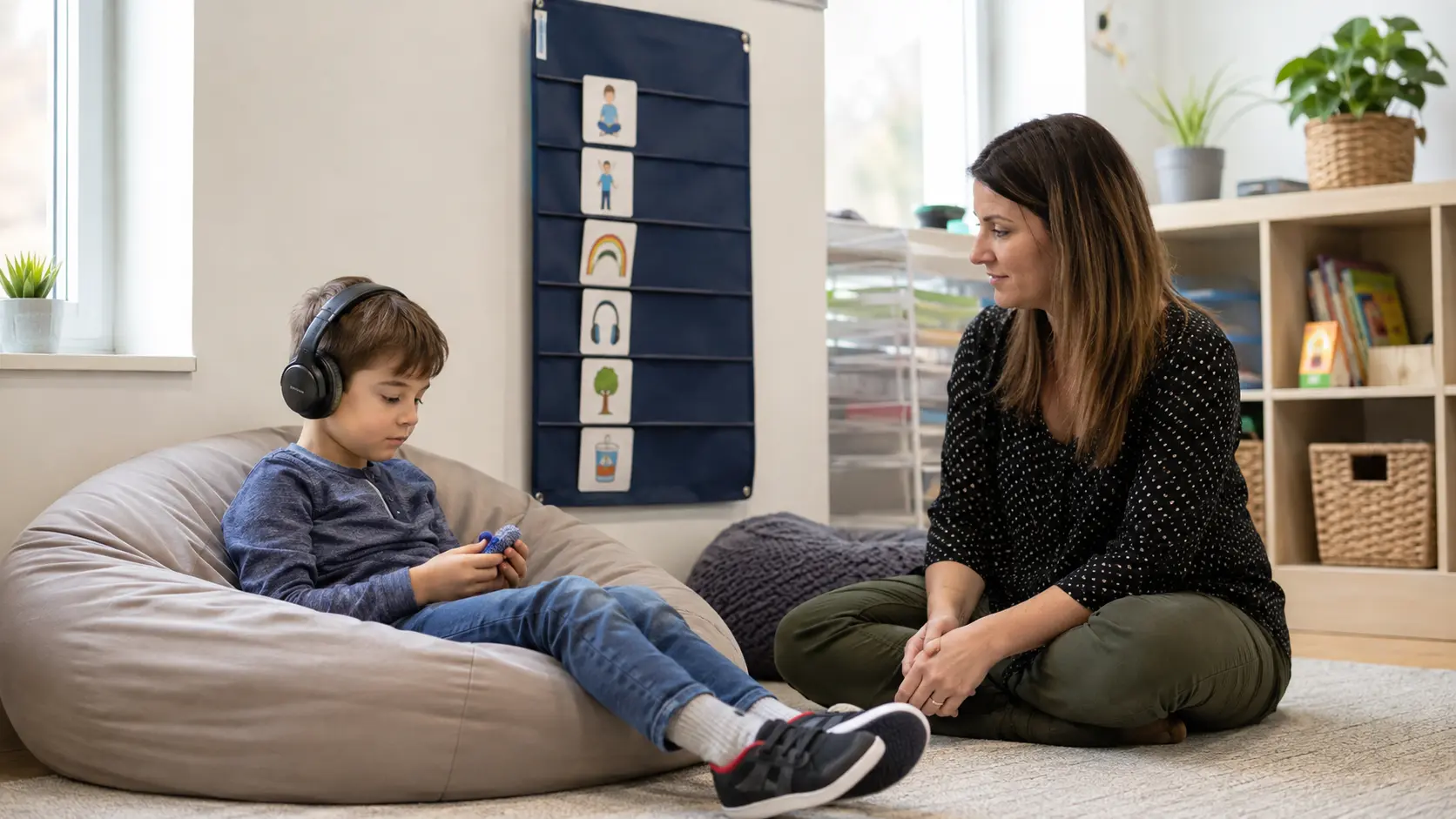
A child may use several forms of AAC alongside spoken words. Using AAC does not mean taking speech away. It gives the child a reliable way to communicate needs, choices, refusals, ideas, social messages, and self-advocacy when speech alone is not enough or not available.
Who Can Benefit From AAC?
AAC may support autistic children who:
- use little or no spoken language
- have speech that is inconsistent across settings
- find speech harder to access during stress, fatigue, or unfamiliar situations
- have motor-speech challenges
- need a more reliable way to express thoughts, needs, or choices
A child does not need to wait until speech has “failed” before exploring AAC. The system should be matched to the child’s communication needs, access method, and daily environments.
An AAC evaluation is individualized and considers how the child already communicates, what they need to express, and which access methods work best. When available, this assessment is typically led by a speech-language pathologist with AAC experience.
AAC Is Not Only for Nonspeaking Children
Children who use spoken language may still benefit from AAC in certain situations, such as when they:
- speak less in noisy, unfamiliar, or stressful settings
- need support expressing feelings, comments, or more complex ideas
- experience communication shutdown during distress
- are not consistently understood by people outside the family
AAC and speech can be used together. AAC provides another reliable way to communicate when speech is difficult or not enough.
AAC also does not have to be something a child “graduates from.” Some people continue to use speech, AAC, gestures, and other forms of communication together depending on the situation.
Low-Tech vs. High-Tech AAC
Low-tech AAC includes tools that do not need power, such as picture boards, communication books, alphabet boards, and written choice cards.
High-tech AAC includes electronic systems such as AAC apps, speech-generating devices, and tools that use access methods like switches or eye gaze.
Both options have advantages. The best fit depends on the child’s communication needs, access method, daily settings, and how reliably the system can be used.
Common Types of AAC Systems
Families may encounter several types of AAC systems:
- Single- or limited-message devices: Provide one or a few recorded messages for specific communication needs.
- Robust speech-generating systems: Offer larger vocabularies, voice output, and customization for a wider range of communication.
- Tablet-based AAC apps: Run on standard tablets and may include expandable vocabulary and speech output.
- Communication books and boards: Low-tech options using symbols, words, or core vocabulary without requiring power.
- Text-based systems: Use spelling, keyboards, or text-to-speech for people who communicate through written language.
- Alternative access systems: Use switches, eye gaze, head tracking, or other methods when direct touch is difficult.
When choosing a system, consider whether the vocabulary can grow with the child. A system that is too limited may need to be replaced as communication needs become more complex.
Communication Boards, Apps, and Speech-Generating Devices
Parents may hear several AAC terms that describe slightly different tools:
- Communication board: A printed or laminated display of symbols, words, or letters. It requires no power and is easy to carry.
- Communication app: Software on a tablet that may provide symbols, organized vocabulary, and voice output.
- Speech-generating device (SGD): A device designed primarily for communication, often with voice output and options for mounting, durability, or alternative access.
Terminology can vary between providers, schools, and funding sources. Ask the AAC professional what system is being recommended, how it will be used across settings, and what support is available for setup, maintenance, and repairs.
Questions Parents Should Ask Before Choosing an AAC Tool
Before choosing an AAC system, focus on how well it fits the child’s communication needs and daily life.
Also ask whether the system supports the languages your child uses with family and community, and how any app or platform stores and shares communication data.
How a Child Learns to Use AAC
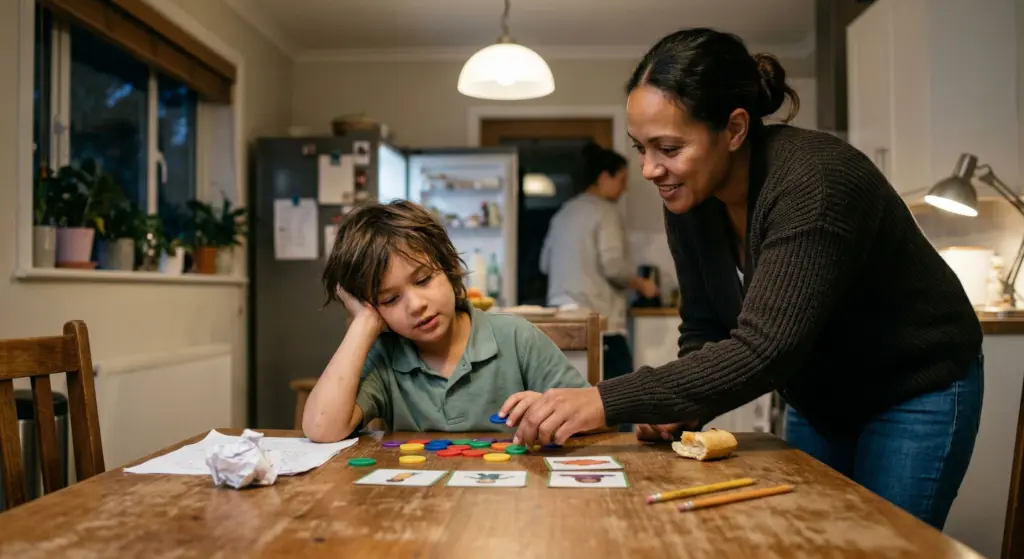
Children learn AAC through real communication, not by repeatedly pressing buttons on command.
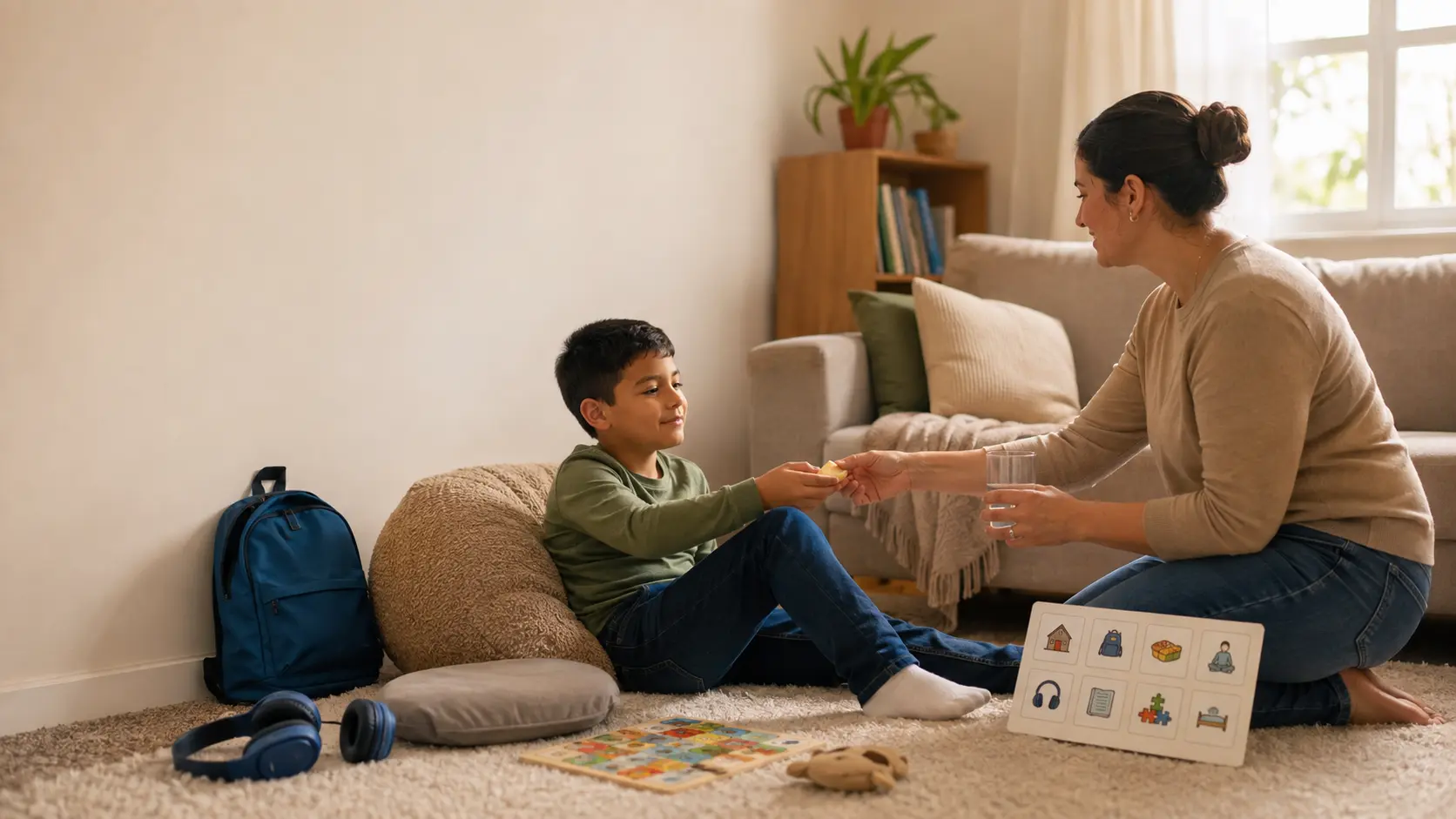
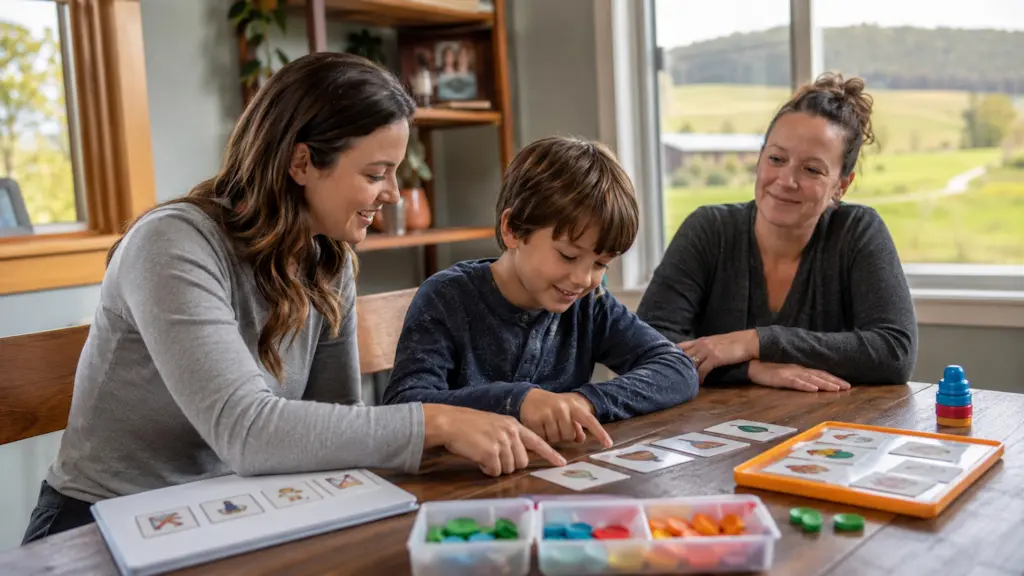
A key strategy is communication modeling, where adults use the AAC system while speaking. For example, during a meal, a parent might point to words such as “more,” “eat,” or “finished” while talking naturally.
Helpful principles include:
- Avoid constant testing or prompting. AAC should feel like communication, not a performance.
- Respect all communication. Speech, gestures, vocalizations, and AAC can all be meaningful.
- Use AAC for more than requests. Support commenting, refusing, asking questions, social interaction, and self-advocacy.
- Allow processing time. Some AAC users need extra time to select or build a message.
- Expect progress to vary. There is no fixed timeline for independent AAC use.
Using AAC Across Home and School
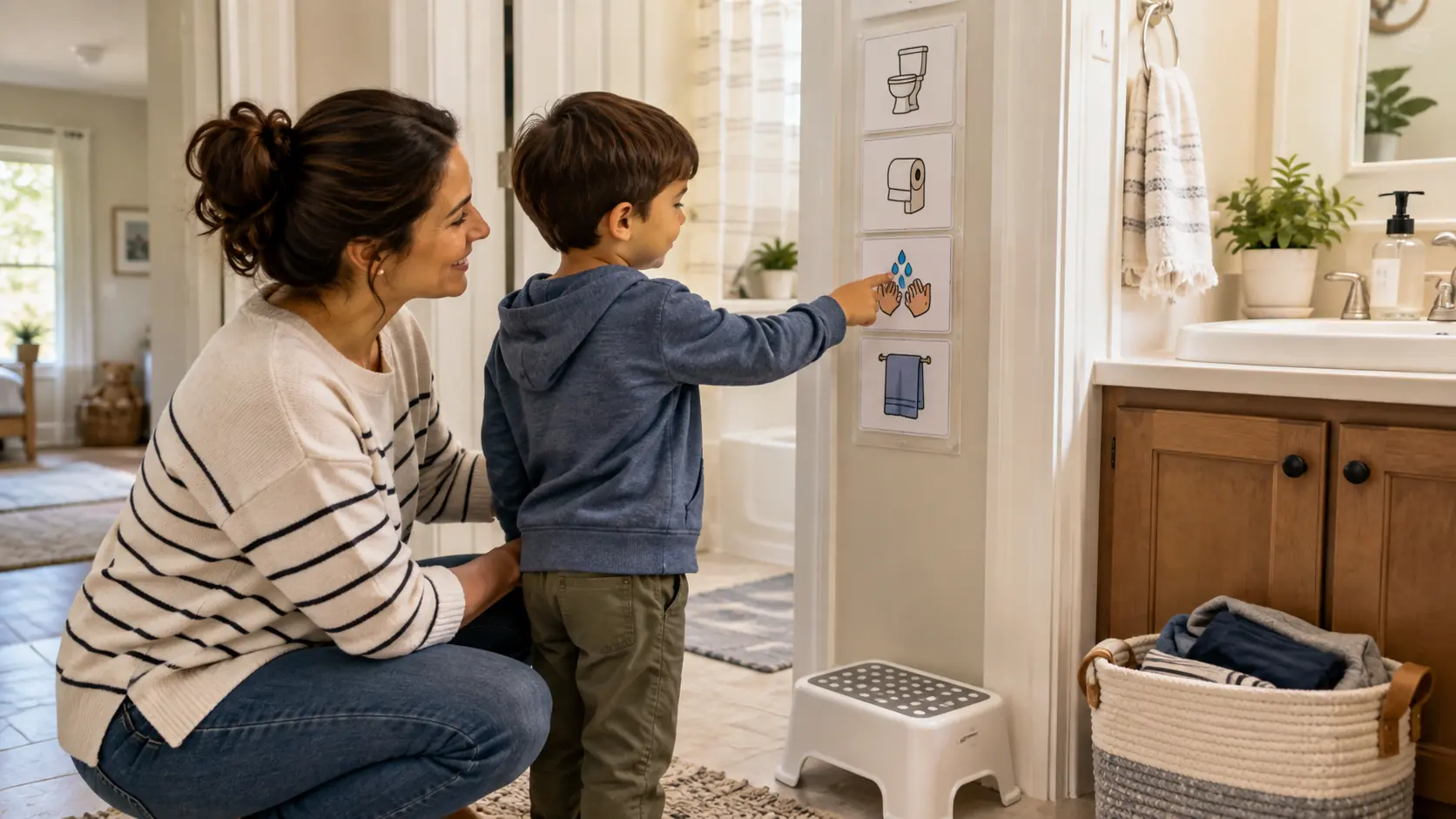
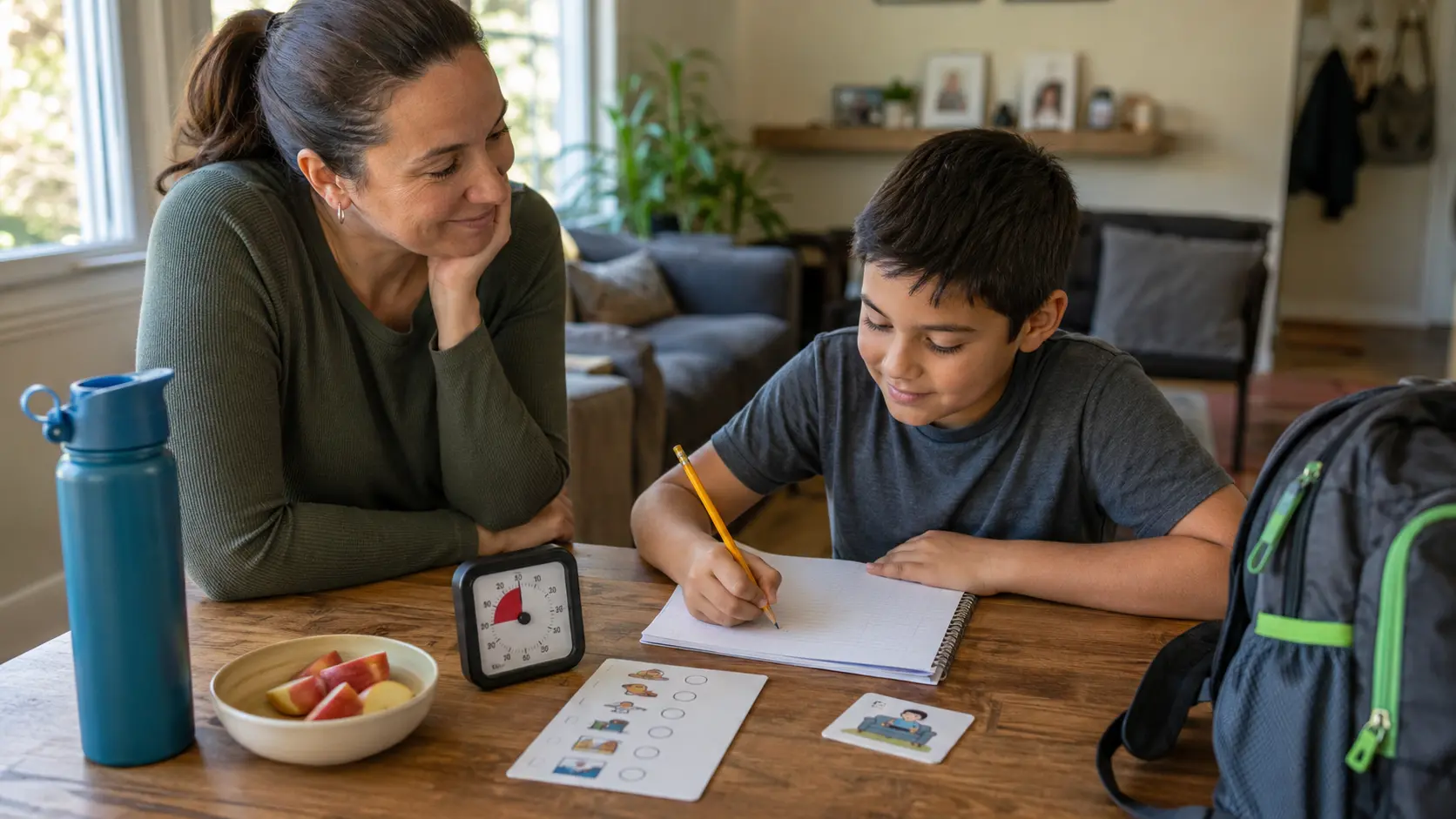
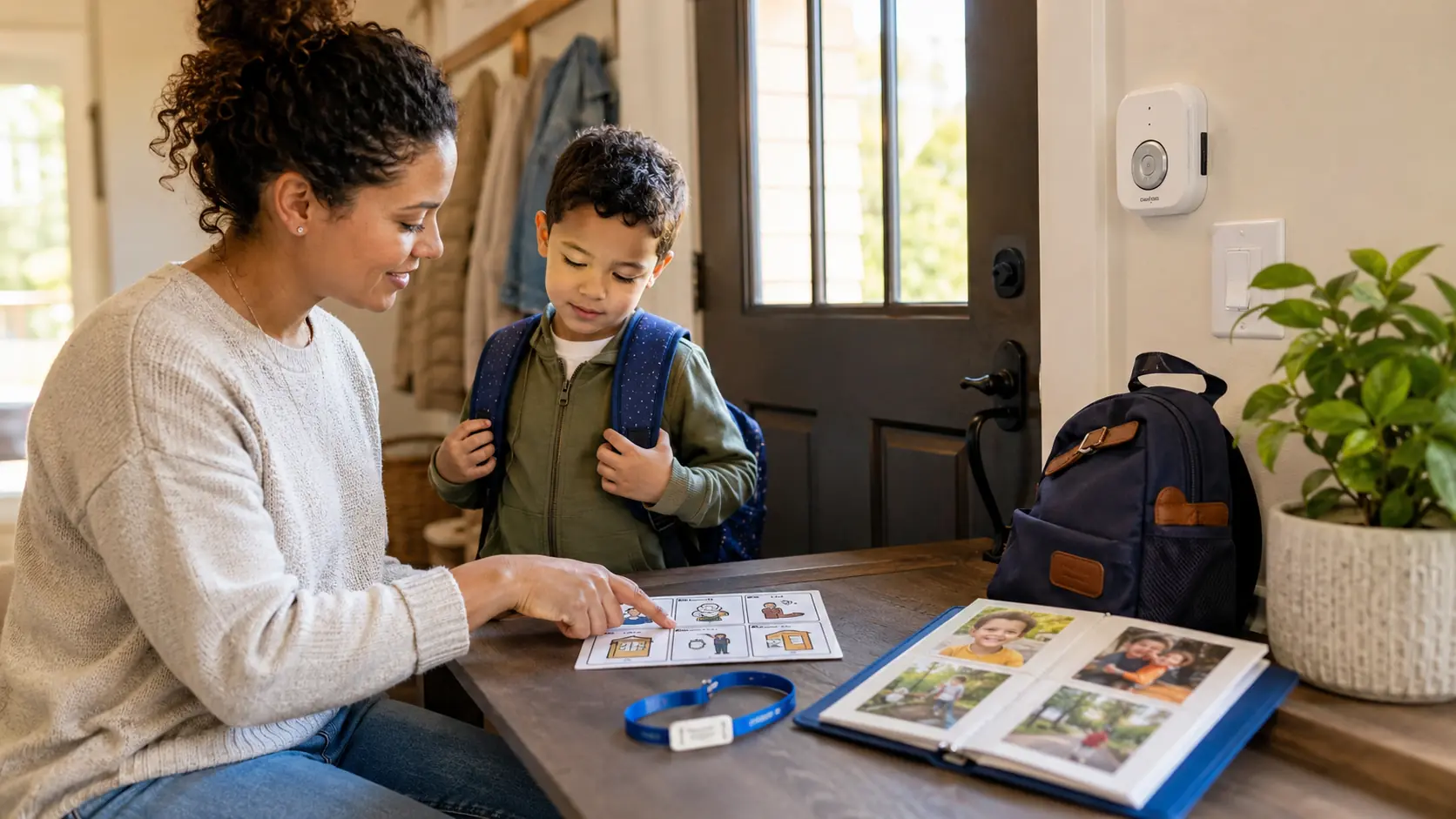
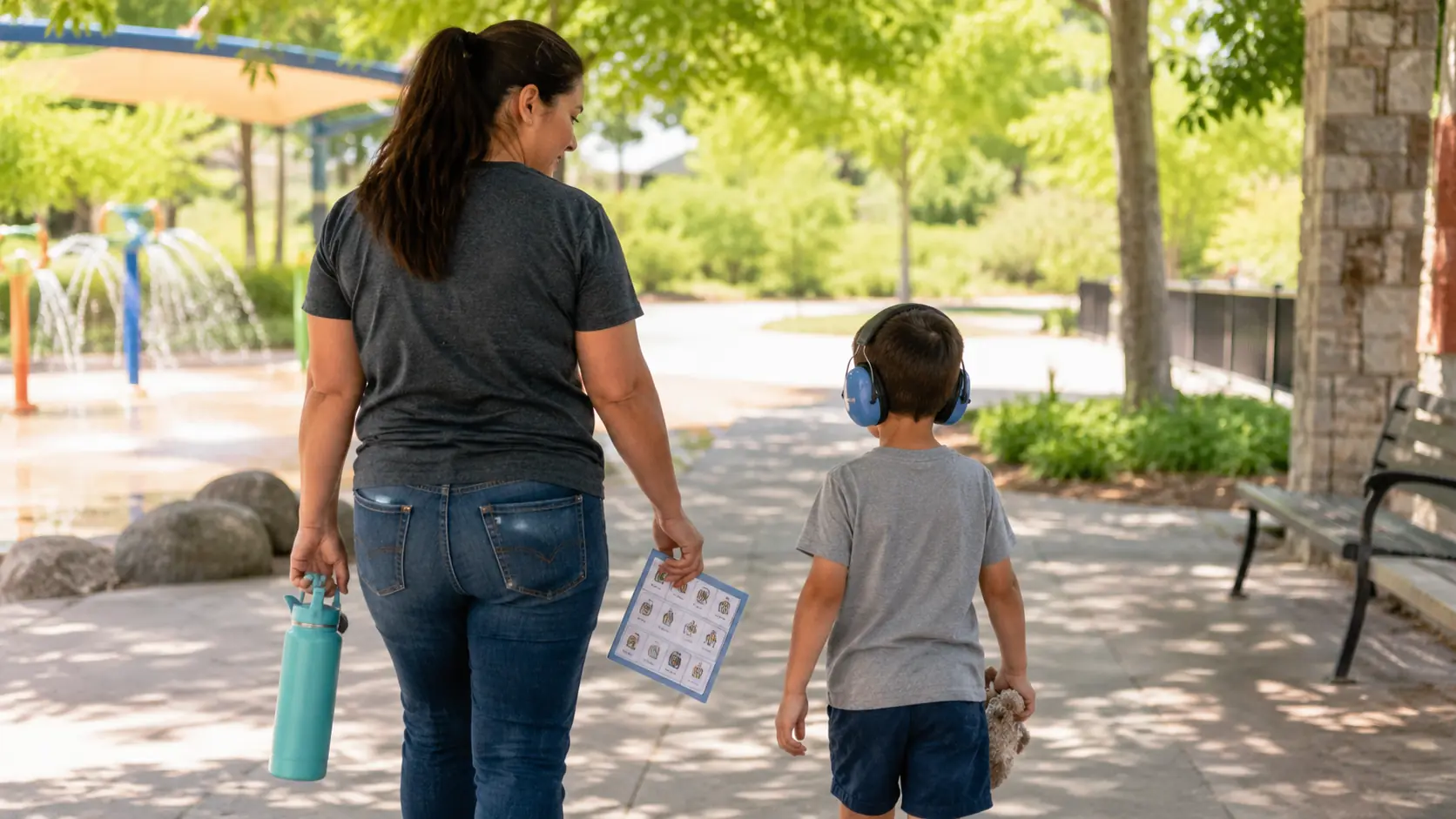
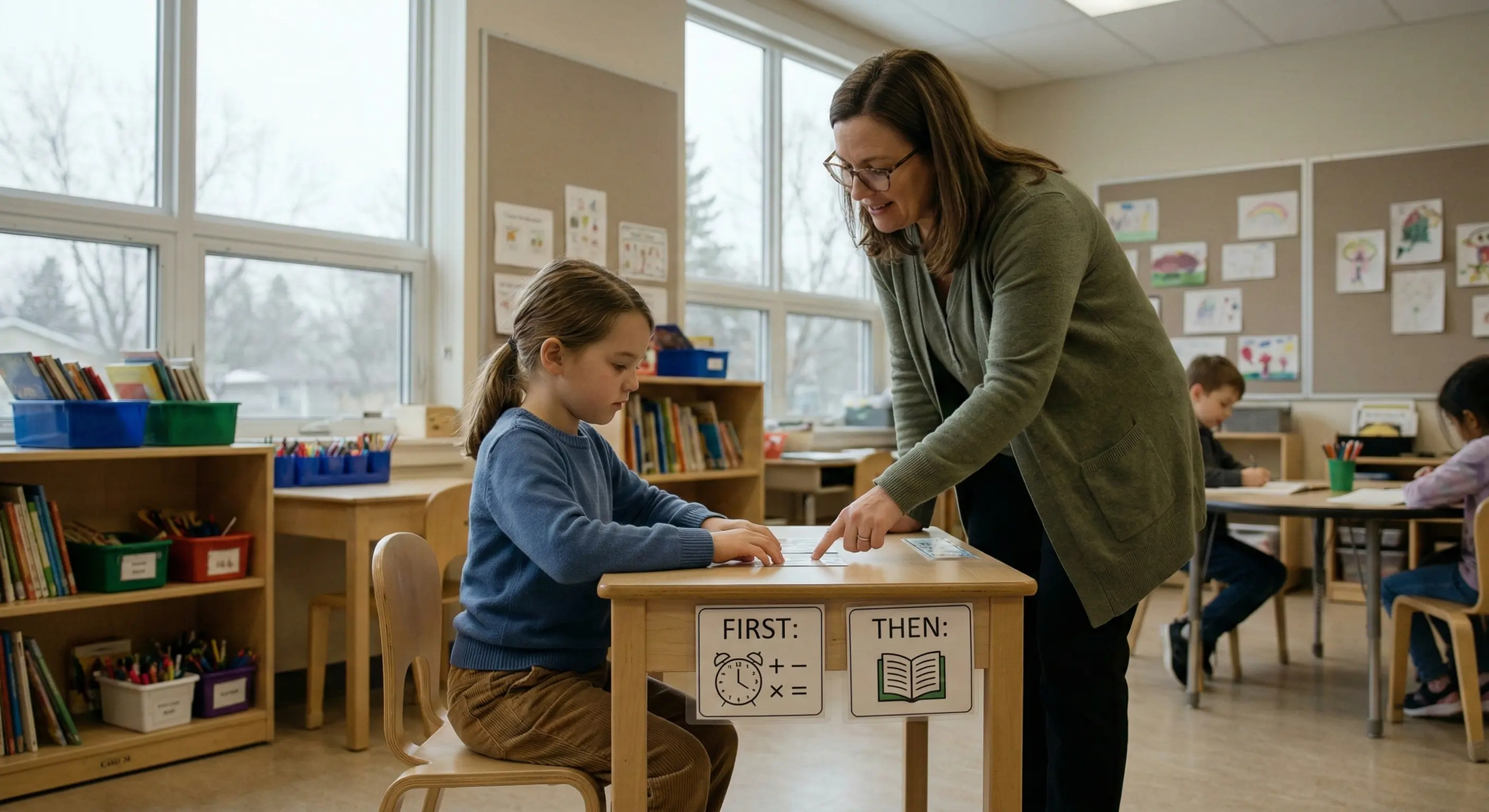
AAC should be available wherever the child needs to communicate, not left in a backpack, classroom, or therapy room.
Home and school do not need identical routines, but they should coordinate on:
- Vocabulary: Share important new words or symbols across settings.
- Access: Make sure staff and caregivers know where the system is, how the child uses it, and what the backup plan is.
- Consistency: Use similar expectations for key messages, transitions, and communication opportunities.
- Communication access: Do not remove AAC as punishment, withhold it as a reward, or leave it behind during activities.
When school-based speech-language professionals are involved, coordination with the family and other providers can help avoid conflicting layouts, access methods, or expectations.
Families can also review how ABA therapy at school can support communication and coordination across educational settings.
Why Communication Partners Need to Learn the System Too
AAC is not only something the child learns. Parents, teachers, therapists, and other communication partners also need to understand how to use and support the system.
Helpful communication partners:
- Model AAC naturally during everyday conversations
- Allow time to respond without immediately prompting
- Respect all forms of communication, including speech, gestures, vocalizations, and AAC
- Keep the system accessible and ready to use throughout the day
The system should also provide easy access to important messages such as “no,” “stop,” “help,” “break,” “pain,” “bathroom,” and “finished.” These help the child express discomfort, set boundaries, and self-advocate.
How ABA Teams Can Coordinate With Speech-Language Professionals
When a child receives both ABA and speech-language services, coordination helps keep communication support consistent.
A speech-language pathologist with AAC experience may lead assessment, system recommendations, and communication planning. The ABA team can support this work by:
- keeping AAC available during daily routines
- creating natural opportunities to communicate
- helping skills generalize across people and settings
- coaching caregivers on consistent communication support
- sharing relevant observations with the speech-language team
ABA providers should avoid independently changing vocabulary layouts, moving symbols, or restricting device access without coordination.
AtlasCare ABA can support individualized communication goals while working alongside speech-language professionals and the child’s existing communication team.
Communication Functions to Protect in Any System
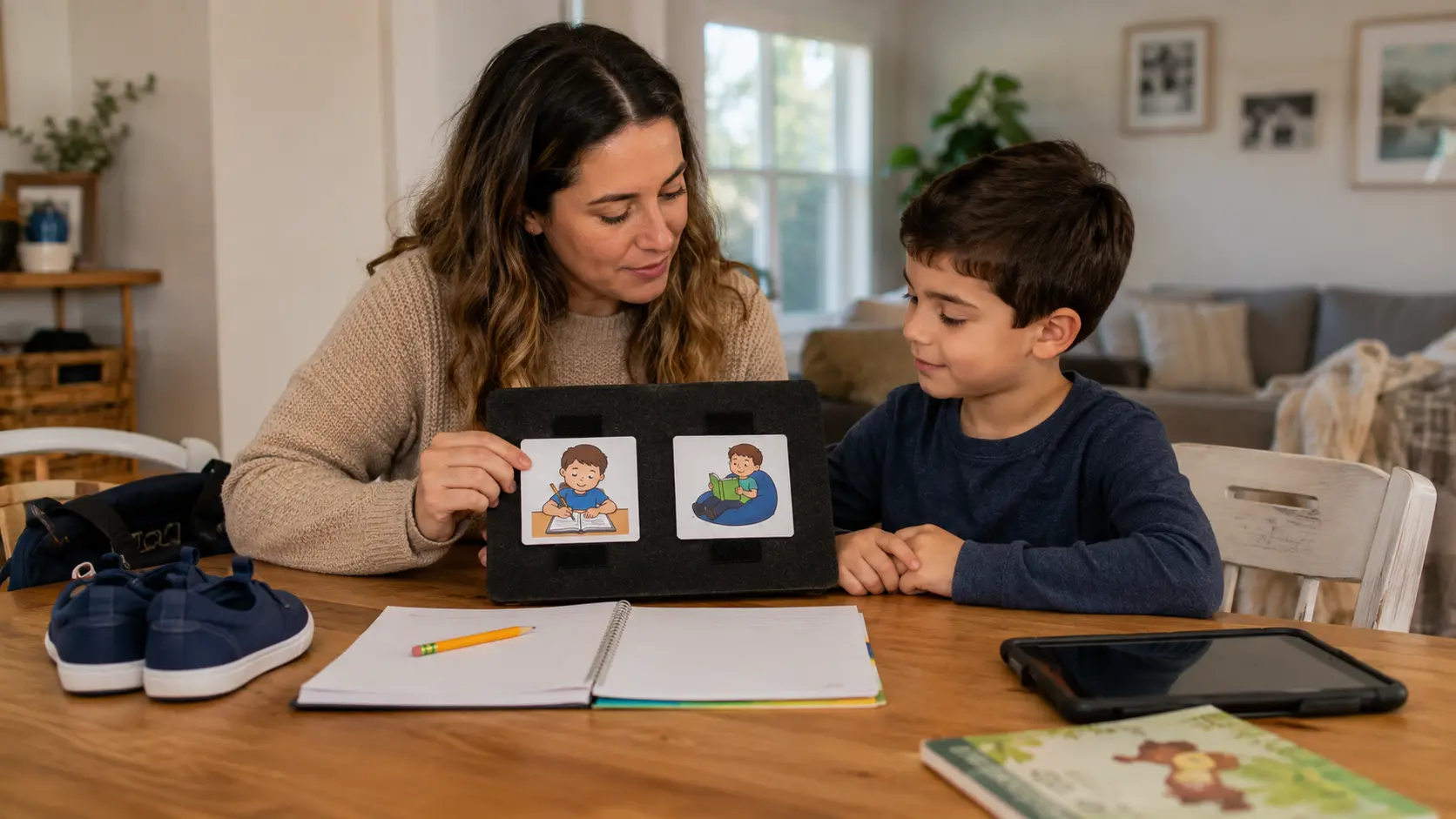
An AAC system should support more than requesting. Make sure the child can also refuse, ask for help, share information, connect socially, and self-advocate.
Choosing a System That Can Grow With Your Child
The best AAC system is not necessarily the most advanced or expensive. It should be accessible, reliable, flexible, and able to grow with the child’s communication needs.
Before choosing, ask:
- Can the child access it easily?
- Does it support more than requesting?
- Will it be available across settings?
- Can the vocabulary expand over time?
- Who will model and support its use?
- What is the backup plan if it is unavailable?
AAC is not a last resort, and using AAC does not mean a child must stop using speech. It can support communication, participation, and self-advocacy alongside speech or when speech is not available.
Coordinating Communication Goals Across ABA, Speech-Language, and Home?
AtlasCare ABA can support functional communication goals and caregiver coaching while coordinating with speech-language professionals and the child’s existing communication team.
Contact AtlasCare ABA to learn more about communication-focused ABA support.















.webp)


.webp)

.webp)
.webp)
.webp)







.jpg)


.webp)

.webp)
.webp)









%20During%20Play%20in%20the%20Home.webp)